

Week 2
Capture, Import, Edit & Export
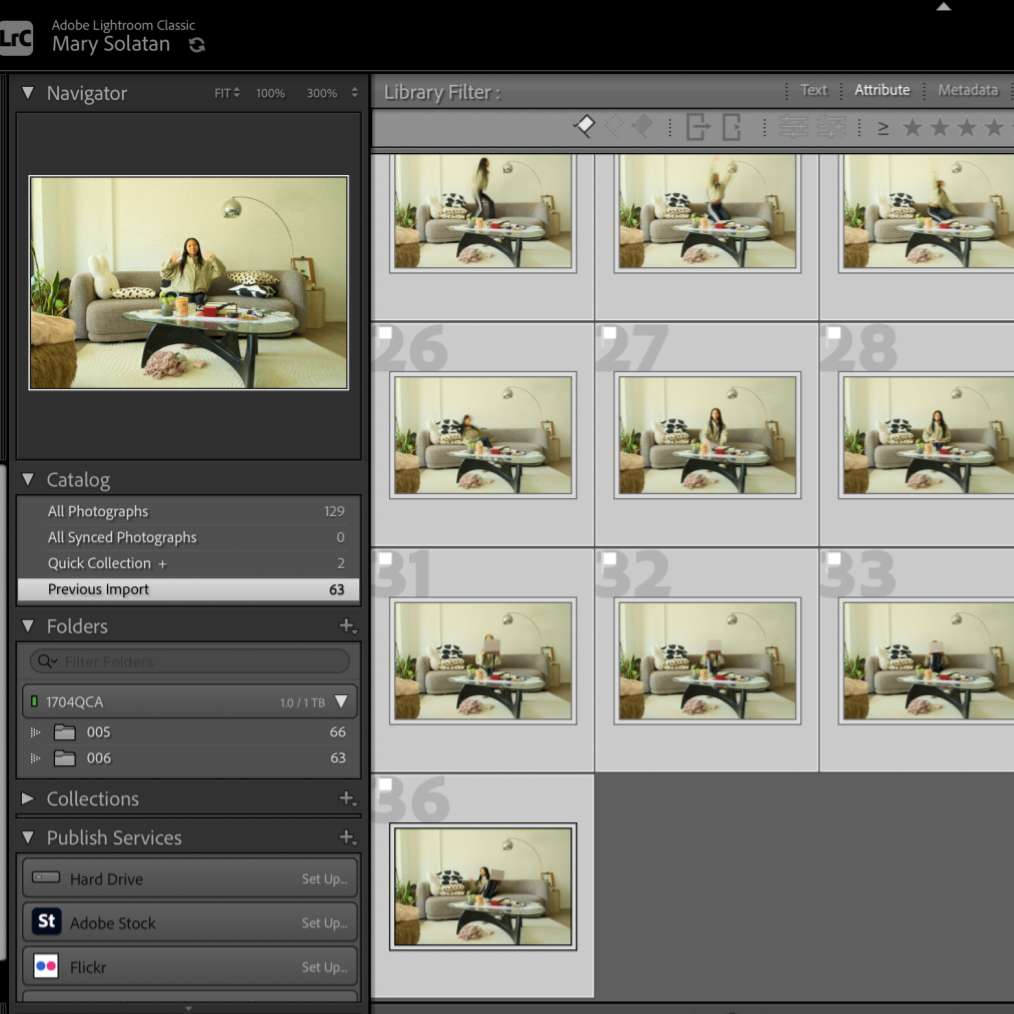
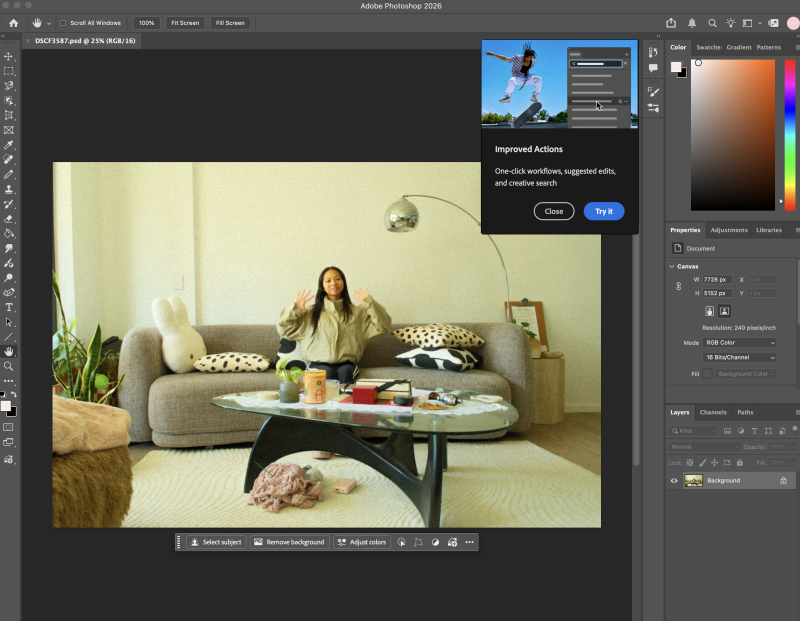
Capturing and importing camera files into the Lightroom Classic image catalogue for editing; Editing image aesthetics in Lightroom Classic; Exporting images using specific file formats (PSD) for working within Photoshop for compositing and creating GIFs.
Task 02 Description
1. Capture and import an image sequence into the Adobe Lightroom image Catalogue for editing
2. Editing and aesthetically experimenting with RAW image data in the Lightroom Classic Develop Module.
3. Exporting files (PSD) to your image database for compositing and making GIFs in Photoshop.
Step 1
Capture image files
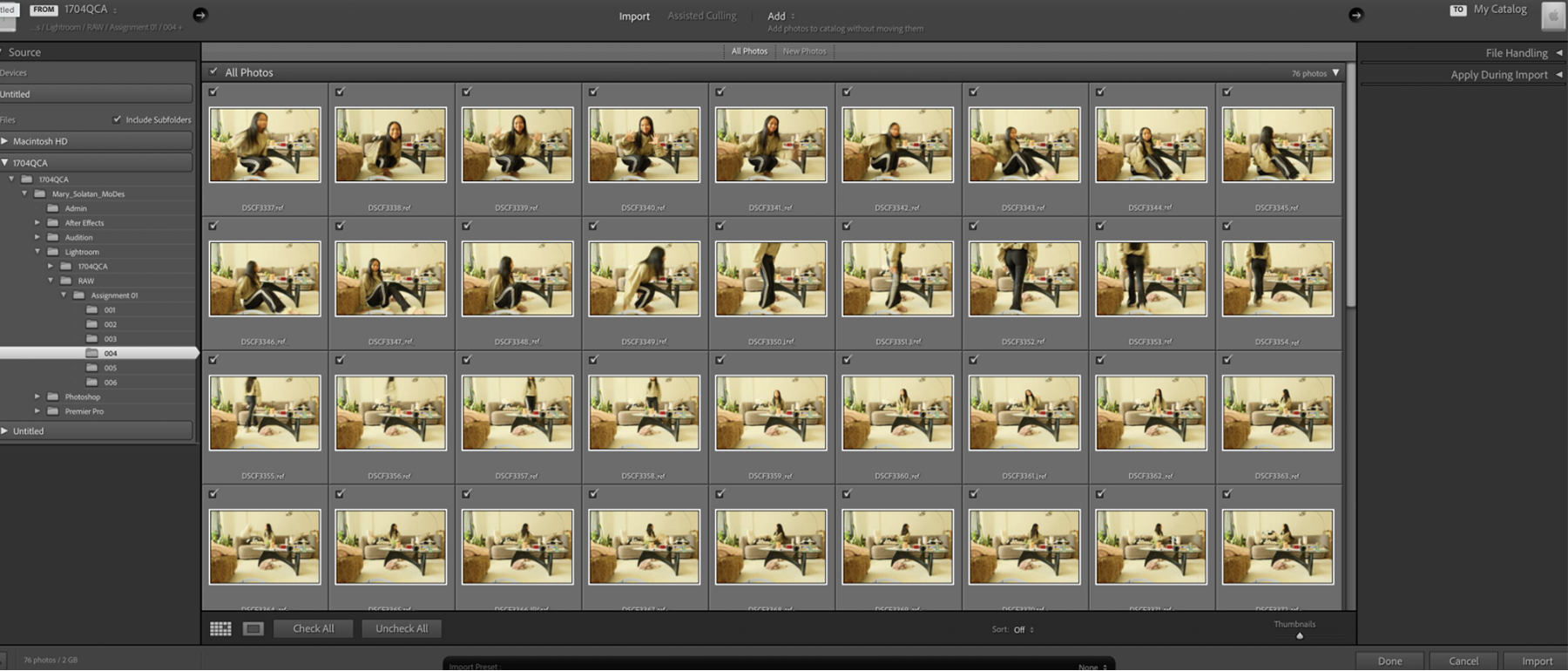
Light and Colour Experiments
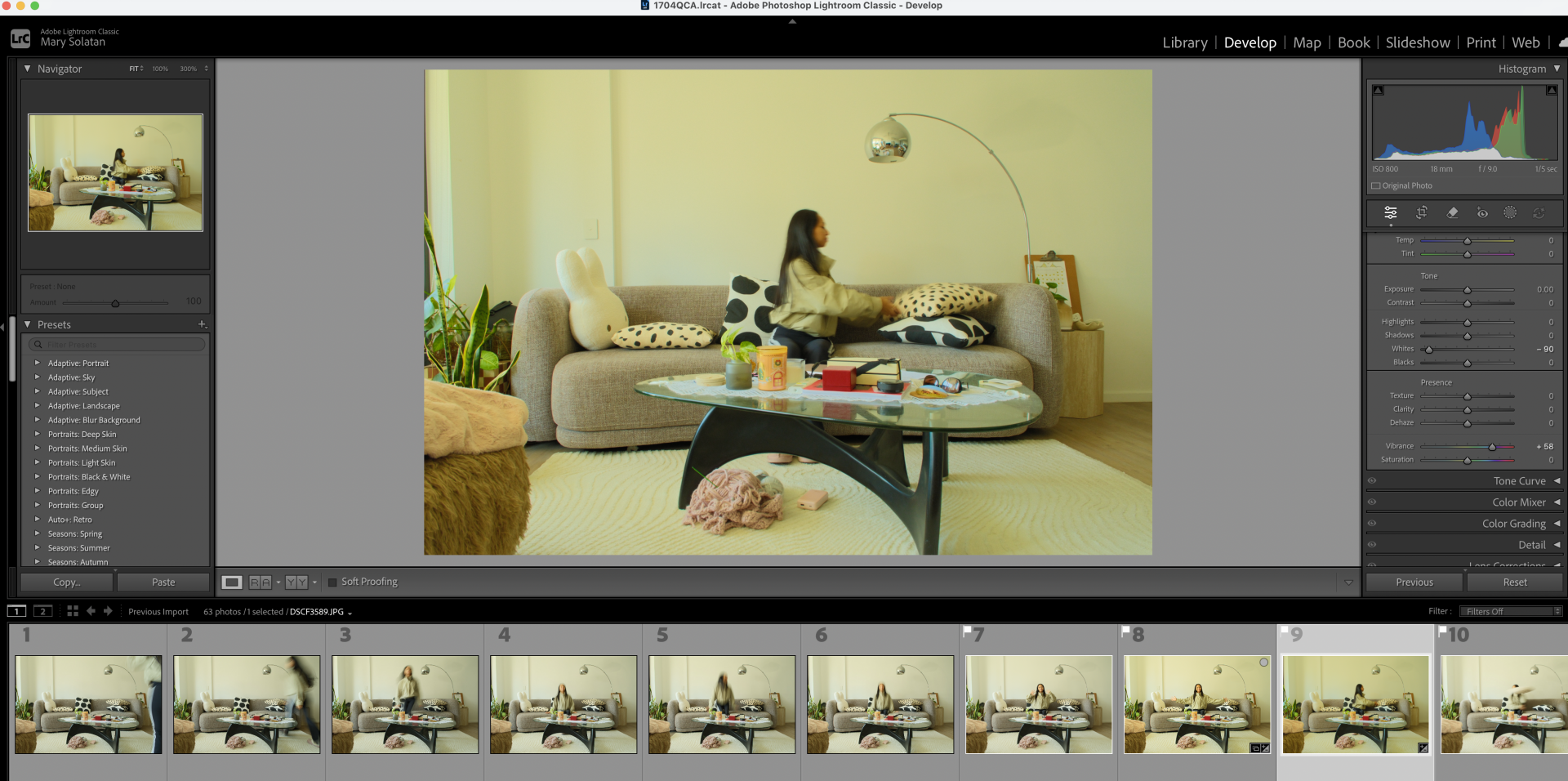
Yellow Hues
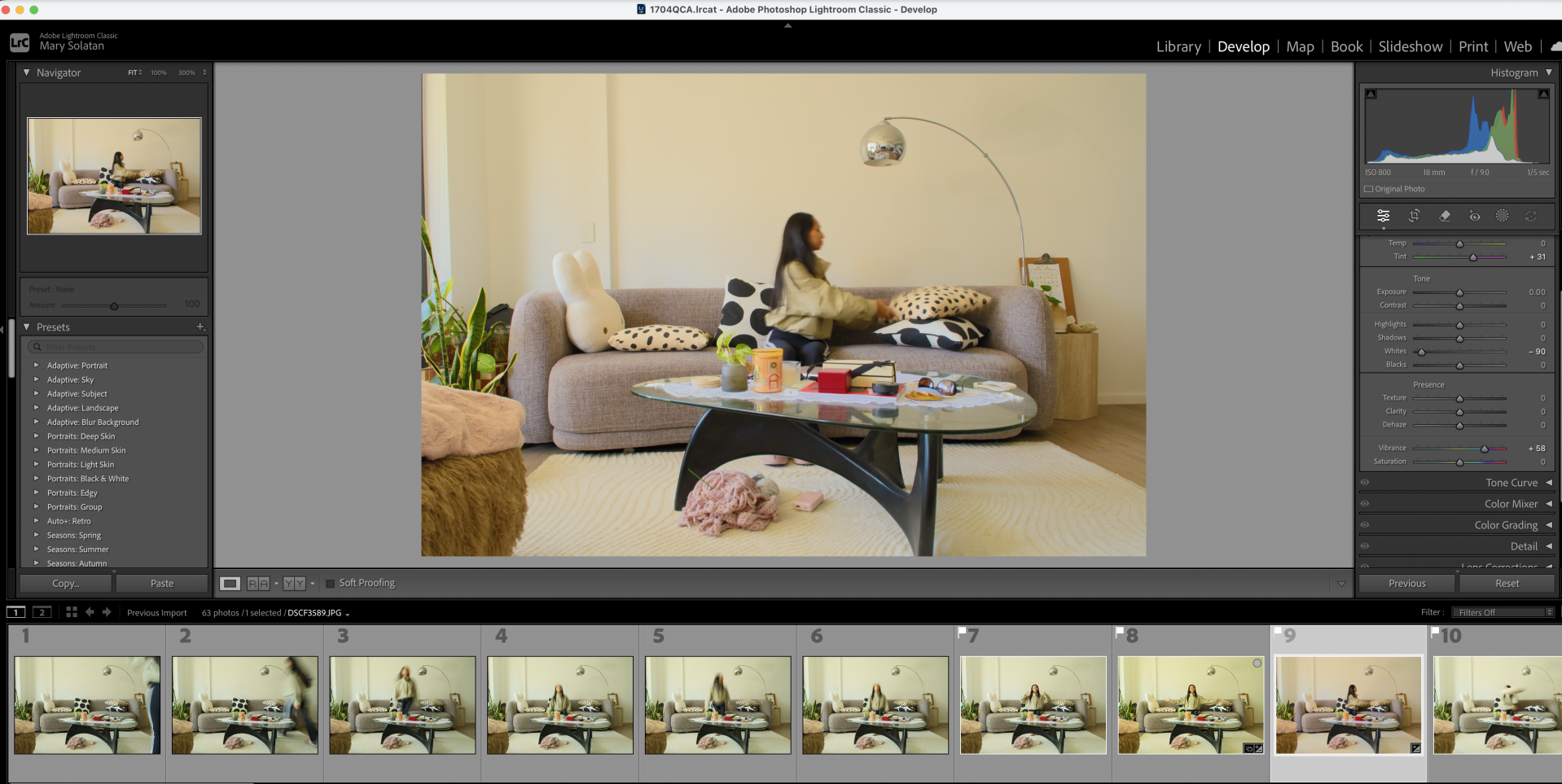
Pink Hues
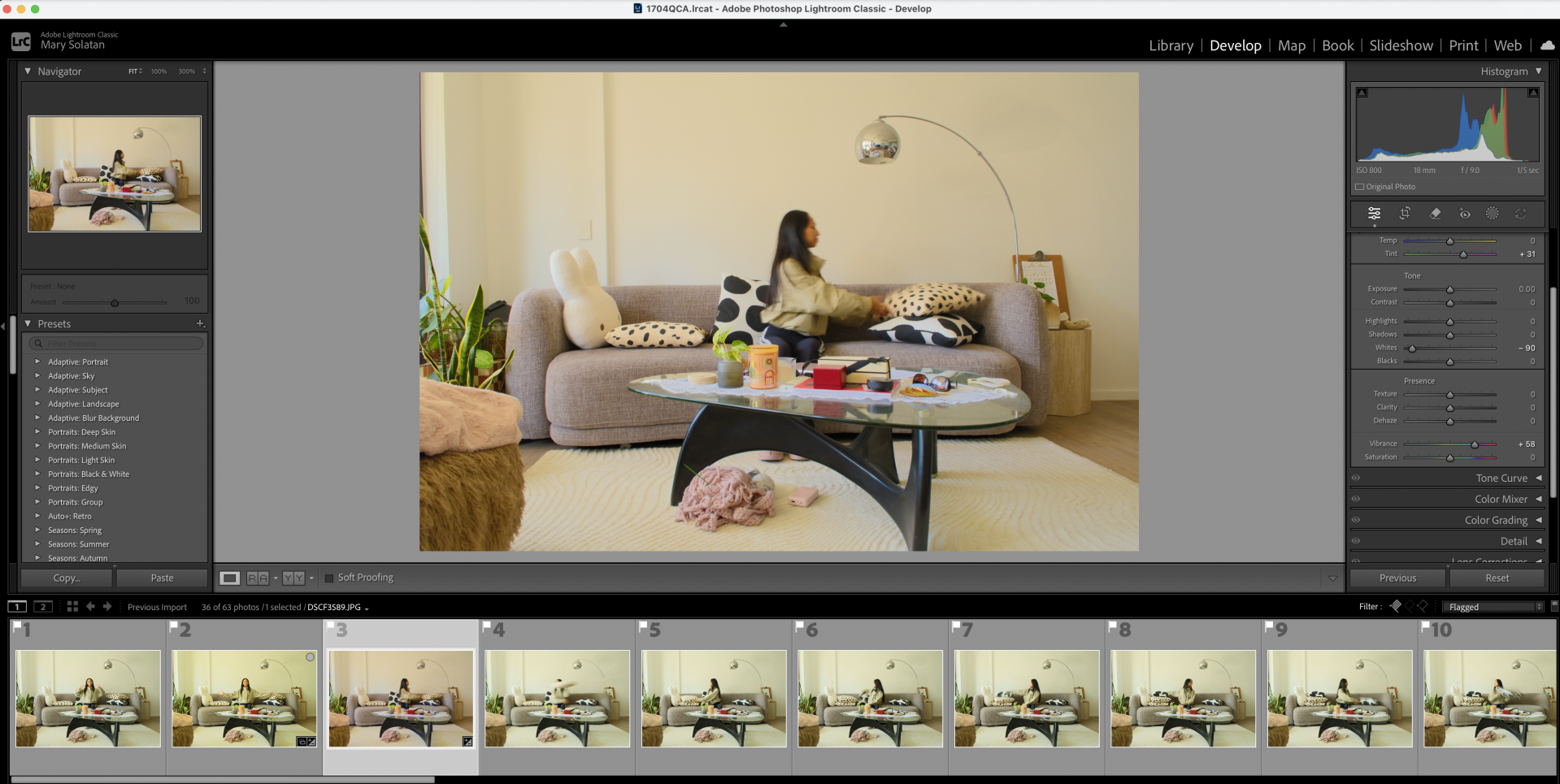
Here I tried to minimise the green coming through
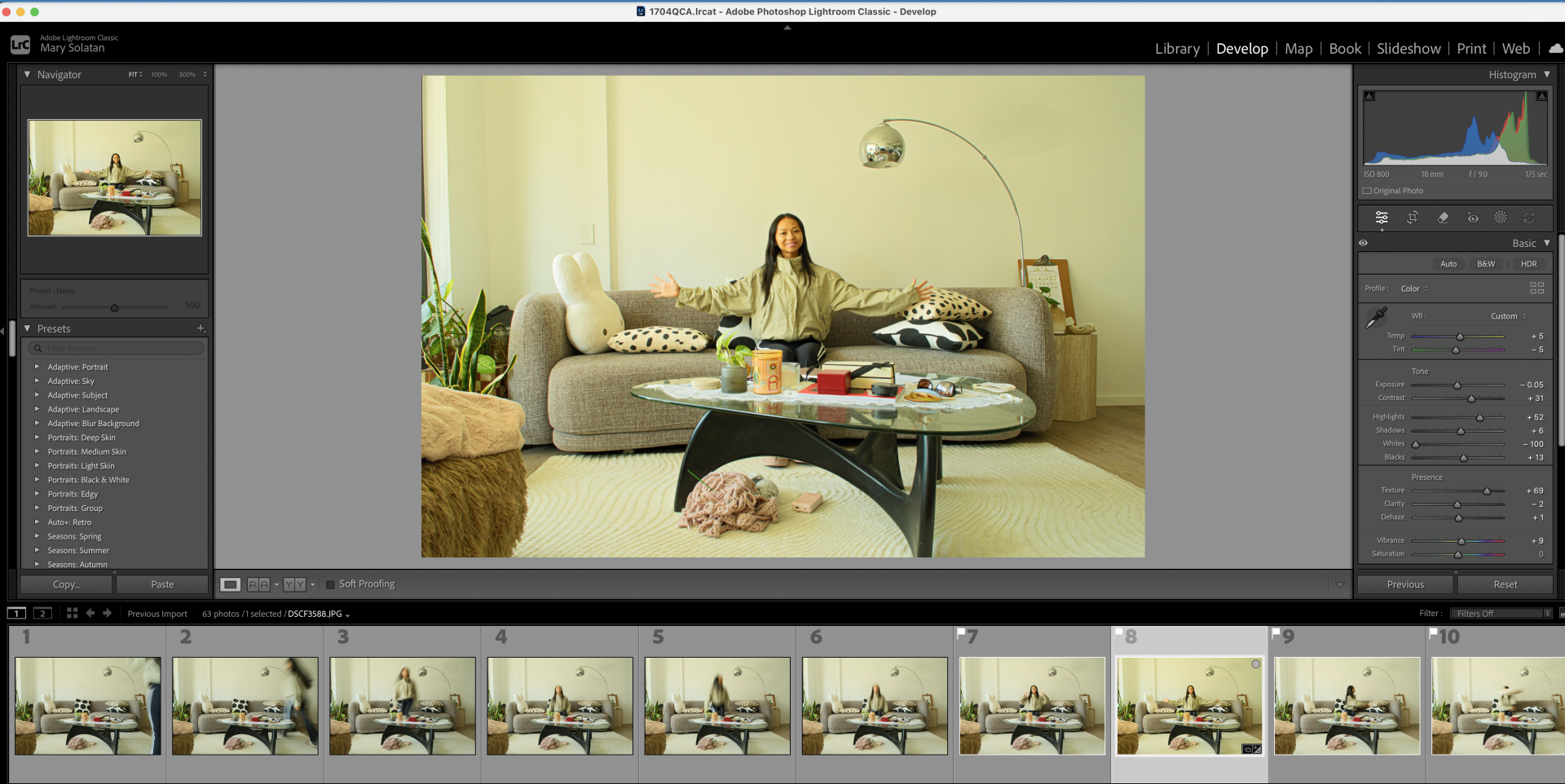
Lime Green Hues
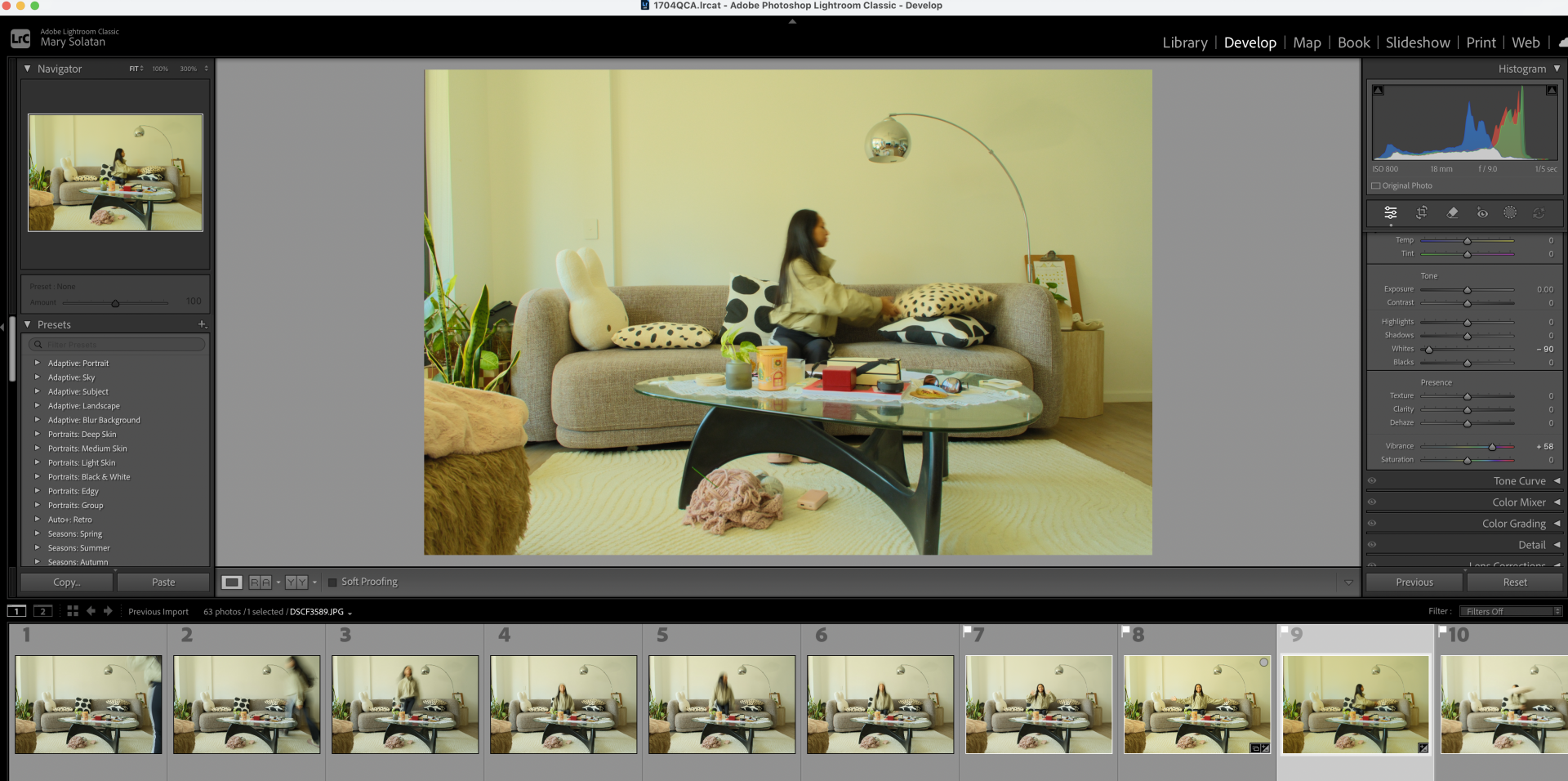
Blue Hues
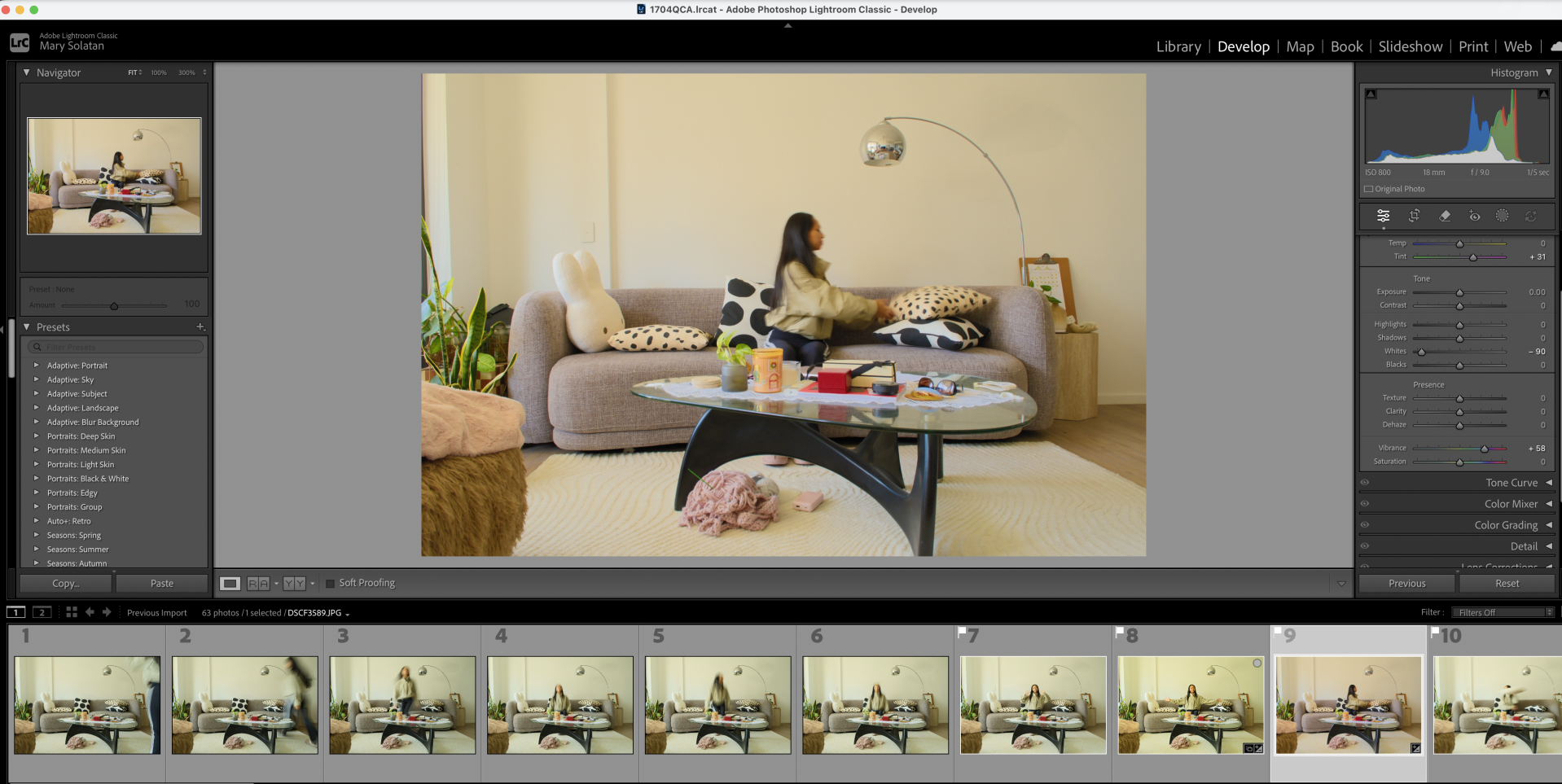
Purple Hues
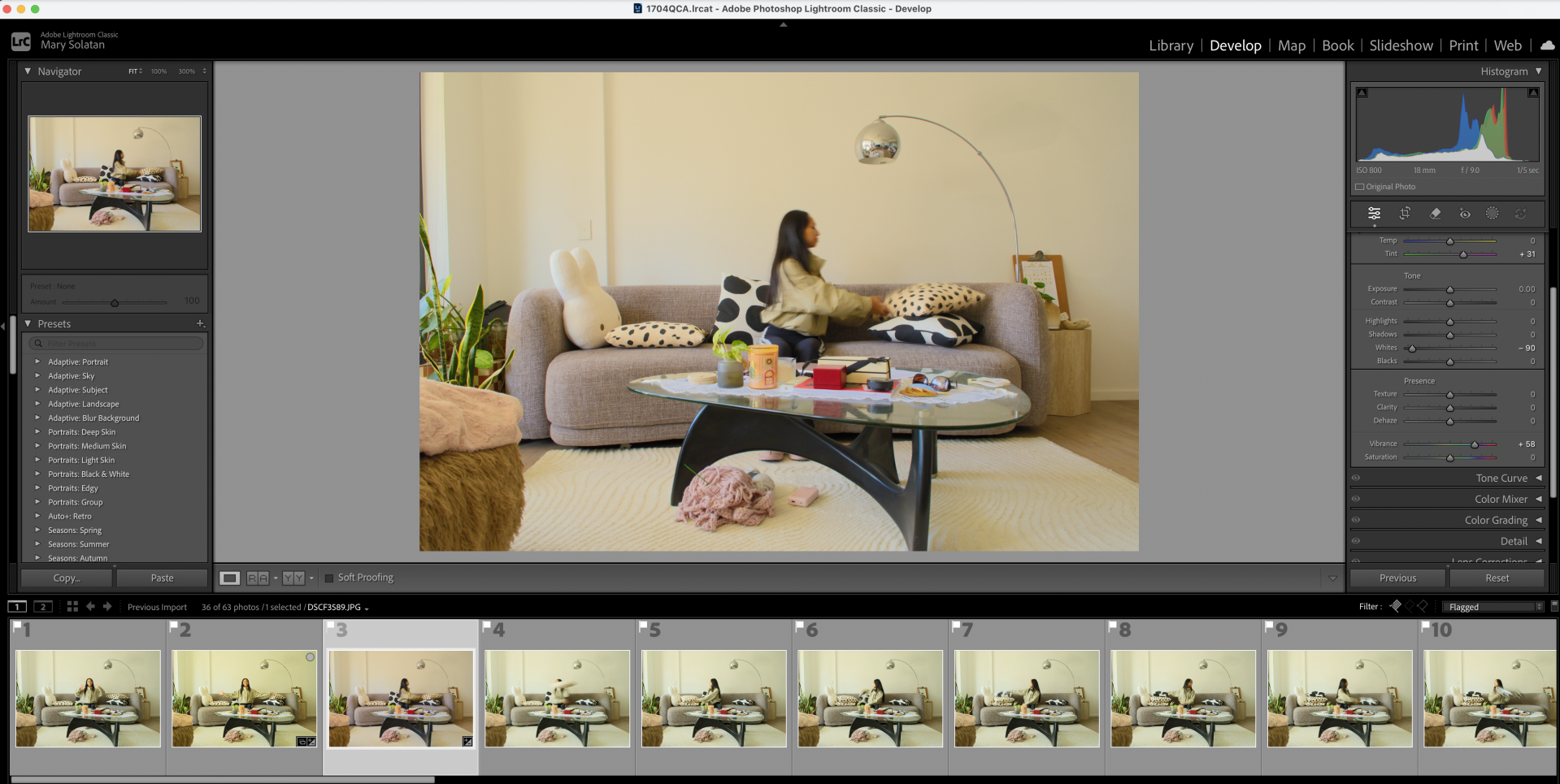
Added grain, tried to erase the green
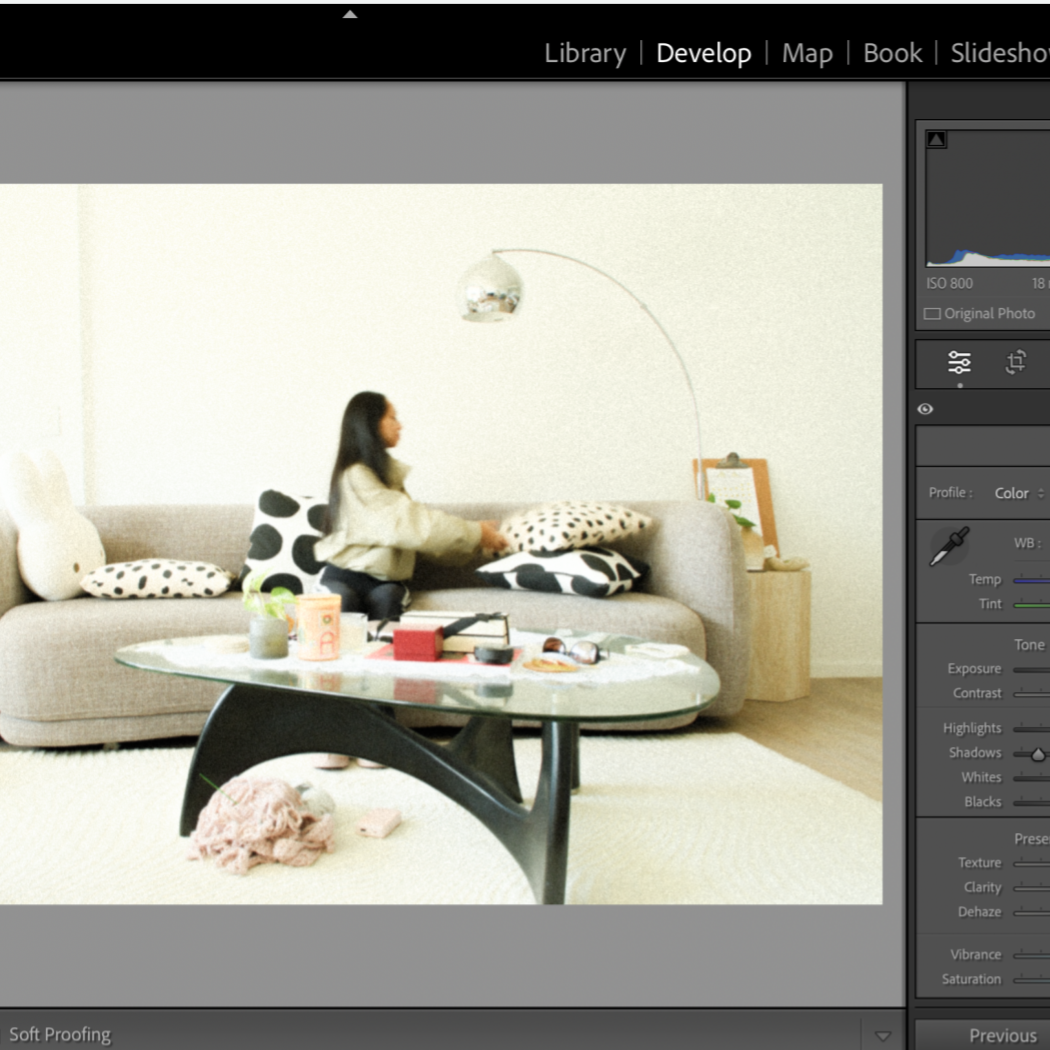
White blocking, here I wanted to mute out the vintage colouring and go for a dreamy 90s aesthetic.
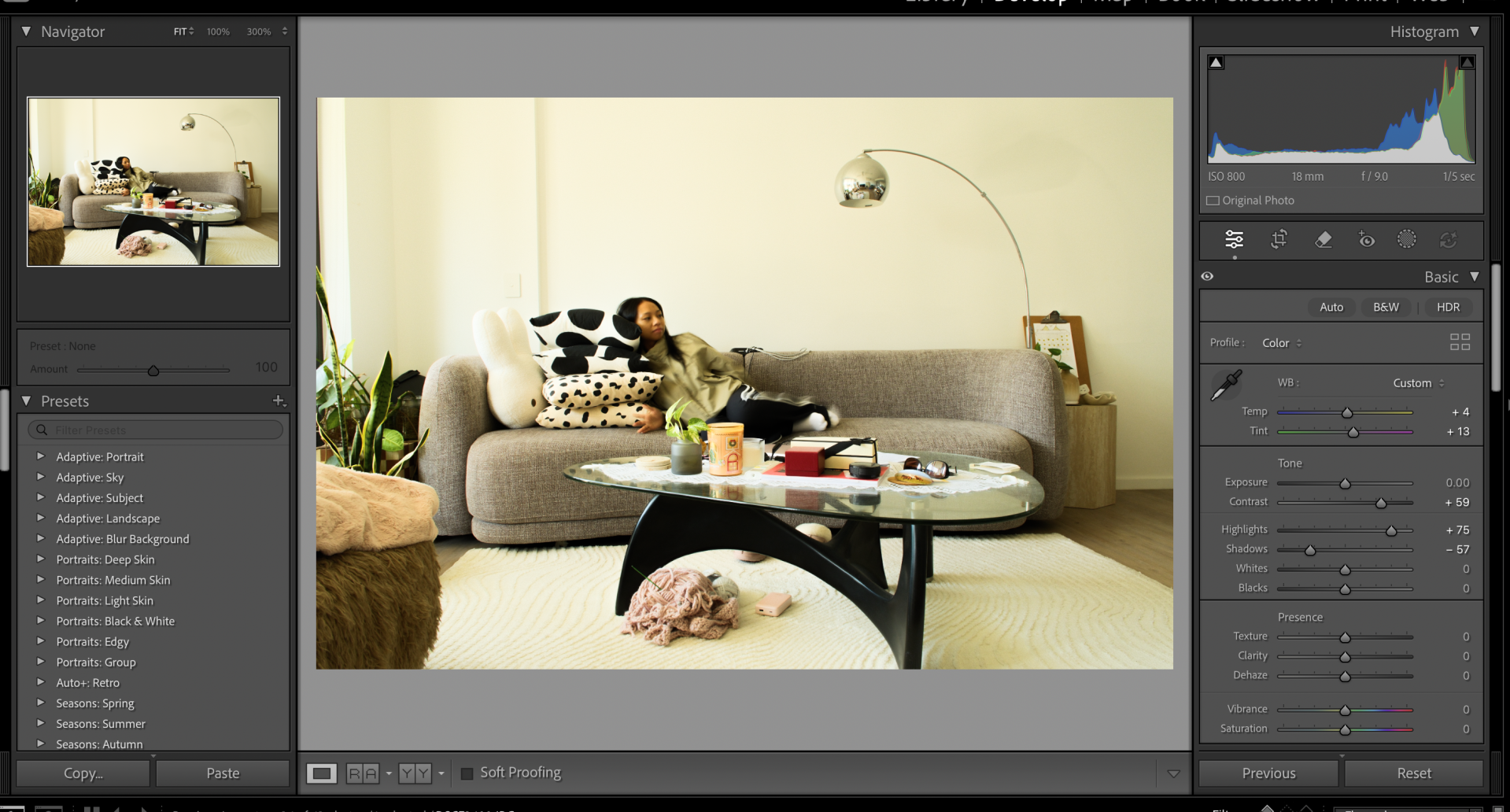
Here I experimented with the darkness, contrast, sharpness
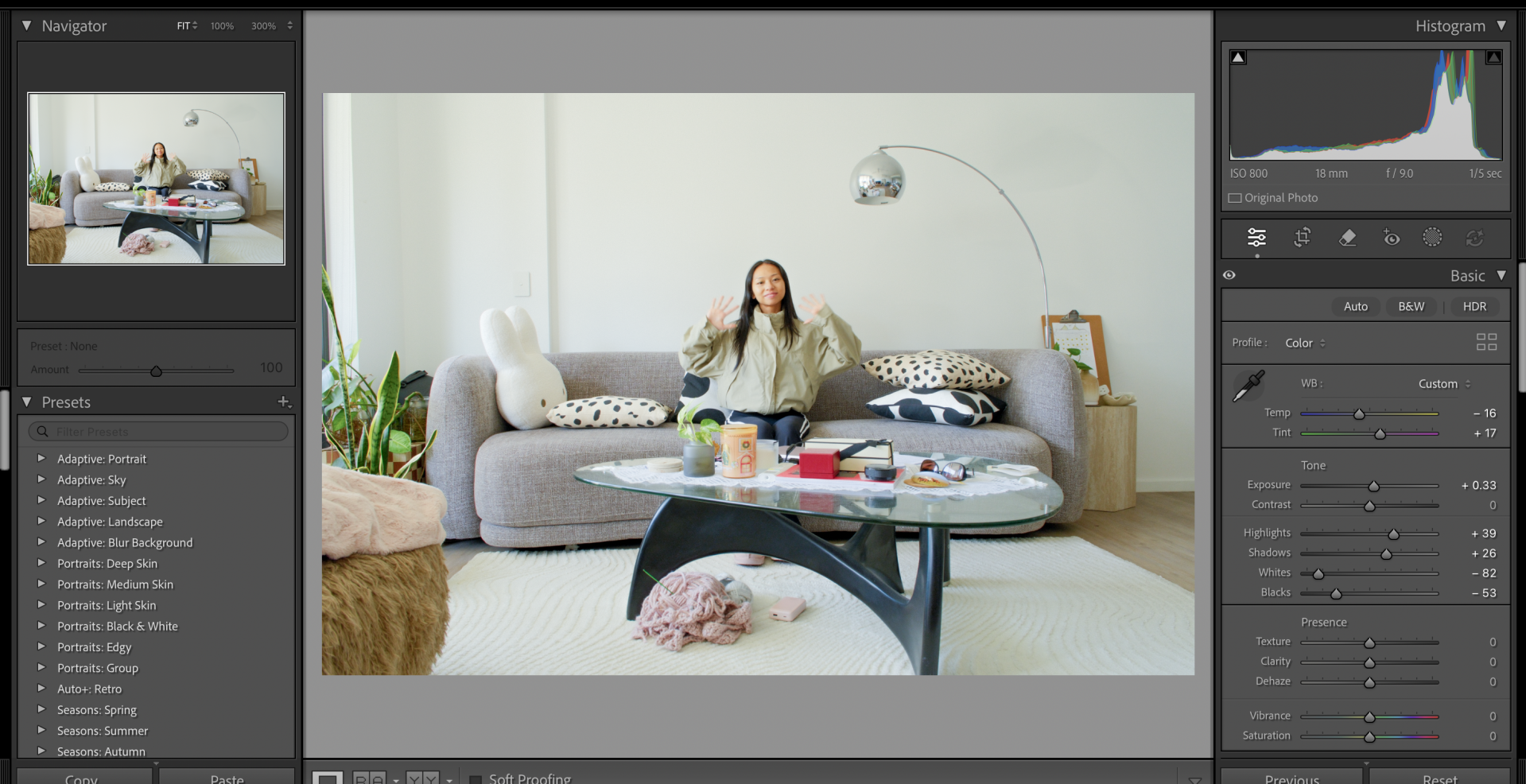
Here I aimed for a softer look which erases all the initial warmth
Our journey continues
We invite you to explore the work from other weeks to see the full scope of our progress. Each week builds upon the last, contributing to the broader narrative of Marys-Design-Portfolio. We hope you enjoy seeing our journey unfold.
Create Your Own Website With Webador