

Week 4
The GIF
Experiment with the Timeline panel in Photoshop to create a GIF (looping image).
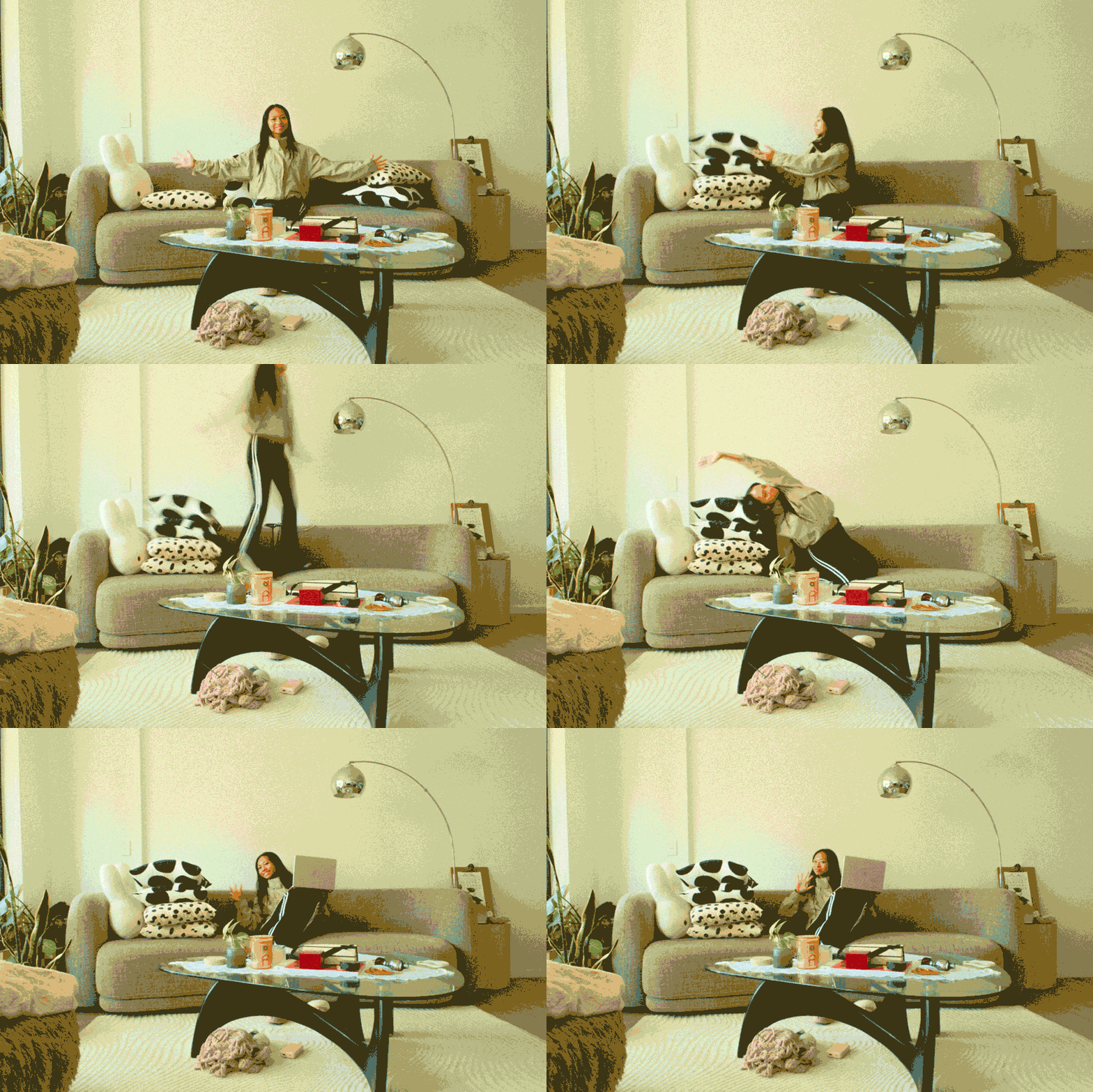
1. Composite Image GIF
To create this GIF, I used the composite image in different frames. I wanted to create high movement at a focal point, so I took the most different frames for the sequence. The main features I used on Photoshop were opacity, colour correcting and timeline.


2. Chaotic GIF
Here I focused on transforming 10 different frames for a sequence. Each frame has an effect applied. My favourite for this project is the multiply because it exaggerates the movements making the quick changes more seamless.


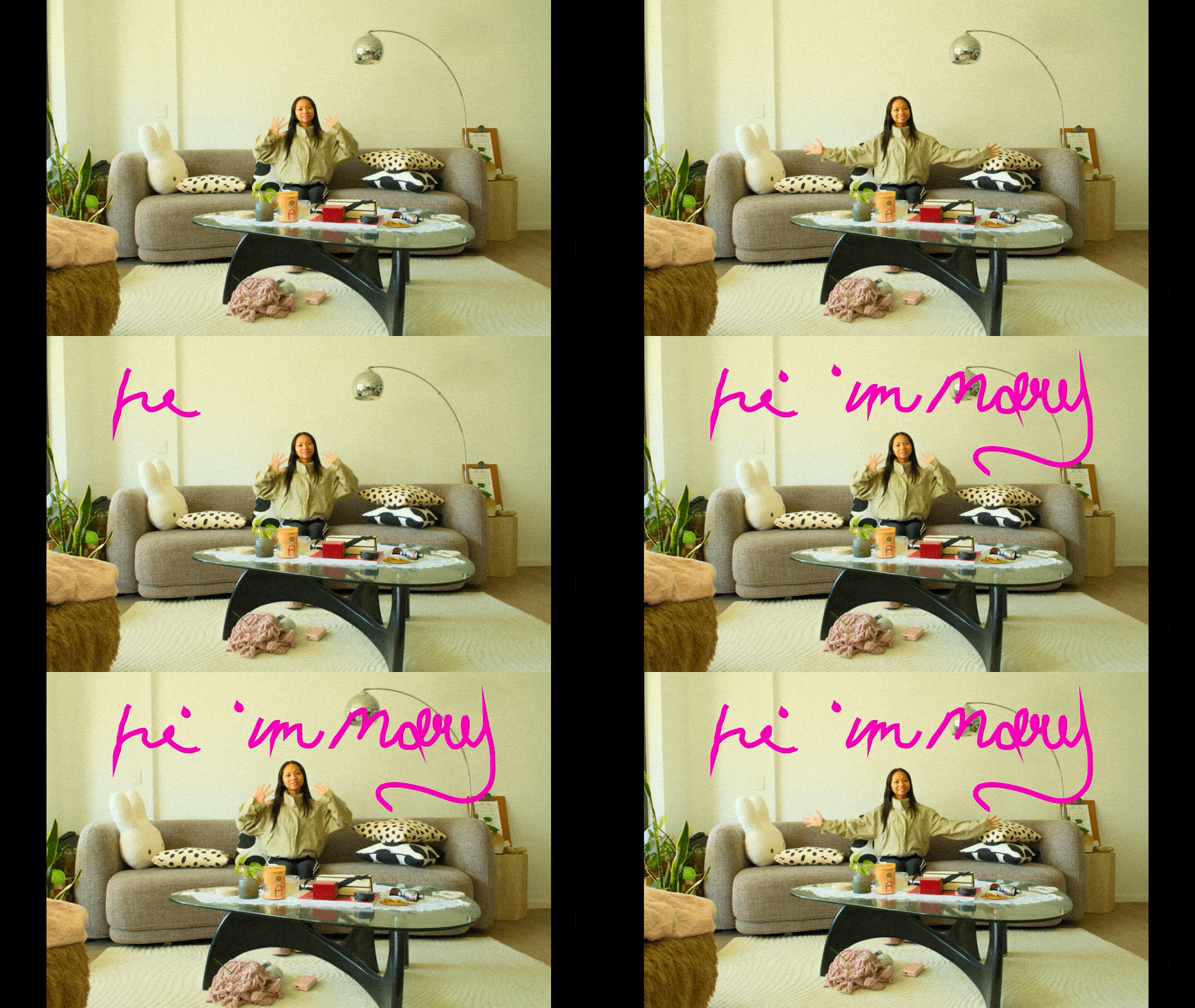
3. Interactive GIF
Through the creation of this GIF I wanted to explore with the in app effects and simple edits. I used the pen tool, zoom, colour corrector and adjusted the frame timing.
The aesthetic vision for this was a practical graphic design to use for personal branding/a website, social medias, website.


Our journey continues
We invite you to explore the work from other weeks to see the full scope of our progress. Each week builds upon the last, contributing to the broader narrative of Marys-Design-Portfolio. We hope you enjoy seeing our journey unfold.
Create Your Own Website With Webador